
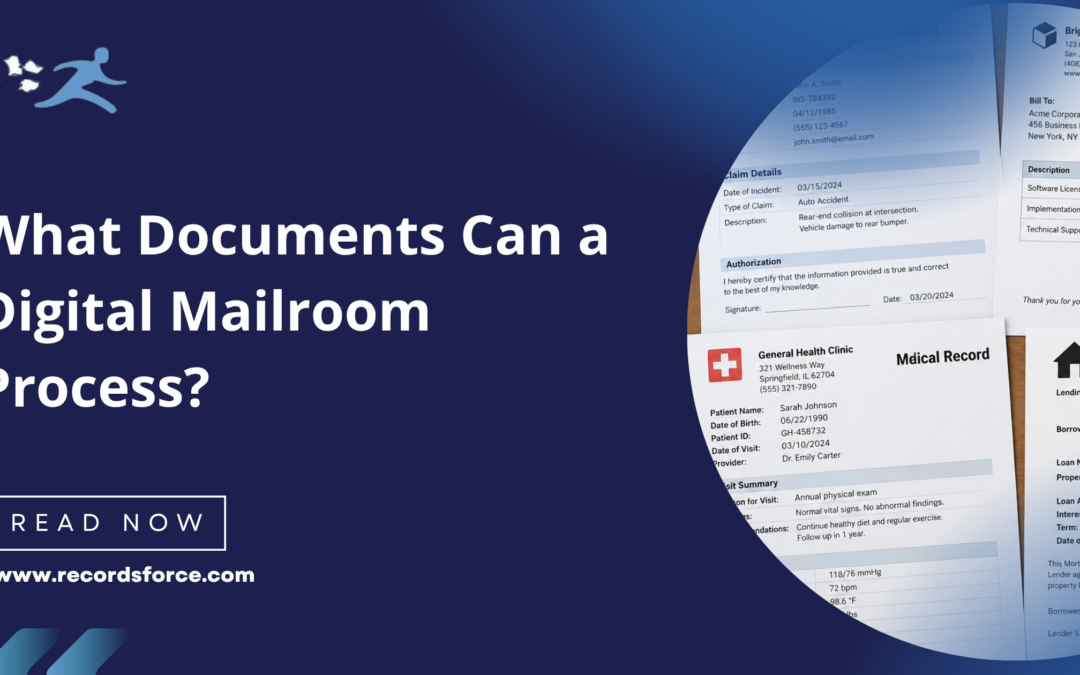
A digital mailroom can process far more than standard letters and envelopes. From invoices and checks to claims, contracts, applications, and confidential correspondence, organizations can digitize many of the documents that arrive through physical mail and route them directly into existing business workflows.
For businesses considering digital mailroom services, understanding which documents can be processed, and what happens to them after they arrive, is an important part of determining whether outsourcing incoming mail makes sense.
The short answer is that most business documents received through the mail can be processed through a digital mailroom. The exact workflow depends on the document type, the information that needs to be captured, where it needs to be delivered, and whether the physical original needs to be retained.
What Is a Digital Mailroom?
A digital mailroom is a centralized process for receiving, digitizing, classifying, and distributing incoming business mail.
Instead of employees manually opening envelopes, sorting documents, and delivering paper throughout an office, incoming mail is converted into digital information.
Depending on the organization’s requirements, the digital mailroom process can include:
- Receiving physical mail
- Opening and preparing documents
- Scanning documents
- Classifying documents by type
- Extracting important data
- Validating extracted information
- Routing documents and data
- Delivering information into existing systems or workflows
- Storing, returning, or securely destroying physical originals
Because the process can be customized by document type, a digital mailroom can support a wide variety of incoming business documents.
What Documents Can a Digital Mailroom Process?
Invoices
Invoices are one of the most common document types businesses receive through the mail.
A digital mailroom can scan incoming invoices and capture information such as:
- Vendor name
- Invoice number
- Invoice date
- Purchase order number
- Amount due
- Due date
- Account number
The invoice image and associated data can then be delivered to an accounts payable team, document management system, or other business workflow.
This eliminates the need for employees to manually distribute paper invoices and can help organizations begin the AP process sooner.
Checks and Remittance Documents
Businesses that continue to receive customer payments through the mail can incorporate checks into a digital mailroom workflow.
Checks can be identified and processed according to predefined work instructions. Associated remittance documents can also be scanned, classified, and indexed.
Depending on the organization’s requirements, the process may include capturing information such as the payer, check amount, check number, account information, or accompanying documentation.
Because checks require physical handling, organizations should establish clear procedures for what happens to the original payment after it is received.
Claims and Insurance Documents
Insurance organizations often receive significant volumes of physical correspondence related to claims and policy administration.
A digital mailroom can process documents such as:
- Claims correspondence
- Supporting documentation
- Policy documents
- Applications
- Forms
- Medical documentation
- Payment-related documents
- Customer correspondence
Documents can be classified and indexed using relevant information, such as a claim number, policy number, customer name, or document type, before being routed to the appropriate employee or system.
Digitizing these documents at the point of entry can help reduce delays caused by manual mail sorting and internal distribution.
Healthcare Documents
Healthcare organizations may receive patient, provider, billing, administrative, and other correspondence through physical mail.
Examples can include:
- Patient correspondence
- Provider documentation
- Medical records
- Enrollment forms
- Claims-related documents
- Billing documents
- Authorizations
- Administrative forms
Because healthcare mail can contain sensitive information, organizations should carefully evaluate a digital mailroom provider’s security procedures, access controls, chain of custody, and applicable compliance requirements.
Legal Correspondence
Legal departments, law firms, insurance organizations, property management companies, healthcare organizations, and many other businesses receive documents that may require immediate attention.
A digital mailroom can identify, digitize, and route legal correspondence based on established business rules.
Examples may include:
- Legal notices
- Court documents
- Attorney correspondence
- Contracts
- Subpoenas
- Demand letters
- Regulatory correspondence
- Time-sensitive notices
Organizations can create specific workflows for high-priority documents so they aren’t treated like routine mail.
Contracts and Agreements
Contracts and agreements received by mail can be digitized and delivered to the appropriate employee, department, or document repository.
Documents can also be indexed using information such as:
- Contract type
- Customer or vendor
- Effective date
- Agreement date
- Recipient
- Account or reference number
If the physical original needs to be retained, it can follow a separate storage or forwarding process after digitization.
Applications and Forms
Paper applications and forms often contain structured information that employees otherwise need to manually enter into business systems.
A digital mailroom can scan these documents and use document processing technology to extract relevant information.
Examples include:
- Customer applications
- Membership forms
- Enrollment forms
- Registration forms
- Employee forms
- Financial forms
- Service requests
- Change-of-information forms
Extracted information can be validated before being delivered to downstream workflows, reducing the amount of manual data entry required.
Human Resources Documents
HR departments may receive a variety of employee-related documents through physical mail.
These can include:
- Employee forms
- Benefits documents
- Employment verification documents
- Tax-related documents
- Applications
- Signed agreements
- General employee correspondence
Digital routing can help ensure these documents reach the appropriate HR workflow without sitting in an office mailroom or being manually passed between employees.
Sensitive employee information should be handled according to appropriate security and access requirements.
Financial Documents
Banks, financial services companies, insurance organizations, accounting departments, and other businesses may receive financial information through the mail.
Documents may include:
- Statements
- Payment documents
- Tax documents
- Account correspondence
- Financial forms
- Checks
- Invoices
- Supporting documentation
Documents can be classified, indexed, and routed based on the organization’s requirements while maintaining established controls for sensitive information.
Customer Correspondence
Not every important piece of mail fits into a predefined document category.
Customers, clients, vendors, members, patients, and other individuals may send general correspondence that still requires action.
A digital mailroom can digitize these letters and route them based on information such as the recipient, department, customer, account number, or subject.
This helps prevent general correspondence from becoming stuck in a physical mail distribution process.
Government and Regulatory Documents
Organizations may receive notices and correspondence from federal, state, or local government agencies.
These documents can include:
- Tax notices
- Regulatory correspondence
- Licensing documents
- Compliance notices
- Government forms
- Agency correspondence
- Official notifications
Because some of these documents may be time-sensitive, businesses can establish routing rules that prioritize specific document types or send them directly to designated employees.
Property and Real Estate Documents
Property management and real estate organizations may receive mail associated with many different properties, entities, tenants, owners, or transactions.
Examples can include:
- Invoices
- Checks
- Closing documents
- Tenant correspondence
- Property notices
- Vendor documents
- Statements
- Legal correspondence
A digital mailroom can classify and index these documents using information such as property address, entity, recipient, document type, or other identifiers before routing them to the appropriate workflow.
Can a Digital Mailroom Process Multiple Documents in One Envelope?
Yes.
Business mail isn’t always neatly organized as one document per envelope. A single piece of mail may contain a cover letter, check, invoice, supporting documents, or several unrelated pages.
During document preparation and classification, the contents can be separated into the appropriate document types and processed according to different work instructions.
For example, a check could follow one workflow while the accompanying remittance document is digitized and delivered electronically.
This is one reason document classification is an important component of a digital mailroom.
What About Documents That Need to Remain Physical?
Digitizing a document doesn’t necessarily mean destroying the original.
Organizations can establish different physical handling requirements depending on the type of mail.
After scanning, a document might be:
- Temporarily stored
- Returned to the organization
- Forwarded to an employee or office
- Retained for a specified period
- Securely destroyed
- Processed according to document-specific requirements
Checks, original contracts, certificates, legal documents, and other items may require different procedures than routine correspondence.
These requirements should be established before implementation and documented within the organization’s digital mailroom work instructions.
Can Packages Be Processed Through a Digital Mailroom?
Packages require a different workflow than documents that can simply be opened and scanned.
Whether packages can be accepted, tracked, forwarded, or otherwise processed depends on the provider and the organization’s specific service agreement.
Businesses that receive both mail and packages should discuss those requirements when evaluating a digital mailroom provider rather than assuming every physical item will follow the same process.
Can AI Automatically Identify Different Types of Mail?
AI and intelligent document processing technology can help classify incoming documents and extract relevant information from them.
Instead of relying entirely on employees to determine whether a document is an invoice, claim, legal notice, application, or another document type, technology can assist with identifying the document and determining the appropriate workflow.
AI can also help extract data such as:
- Names
- Dates
- Account numbers
- Invoice numbers
- Claim numbers
- Addresses
- Document types
- Other predefined fields
However, automation shouldn’t eliminate quality control where accuracy is important.
Combining automated document processing with validation can help organizations take advantage of AI while maintaining confidence in the information being delivered to downstream systems.
Where Can Digitized Mail Be Delivered?
The destination depends on how an organization works.
Digitized documents and extracted information may be delivered to:
- A document management system
- A secure cloud-based portal
- An existing business application
- Department-specific workflows
- SFTP locations
- Other repositories
- Integrated systems through APIs
The goal of a digital mailroom isn’t simply to create digital copies of paper. It is to get incoming information into the systems and workflows where employees can actually use it.
What Industries Use Digital Mailrooms?
Digital mailroom services can support organizations across many industries, particularly those that receive high volumes of business-critical documents.
Common examples include:
- Insurance
- Healthcare
- Financial services
- Legal
- Real estate and property management
- Human resources
- Accounts payable
- Technology companies
- Government organizations
- Higher education
The specific document types vary, but the underlying challenge is similar: important information arrives physically and needs to reach employees and systems quickly and accurately.
Frequently Asked Questions About Digital Mailroom Document Types
What types of mail can a digital mailroom handle?
A digital mailroom can process many types of business mail, including invoices, checks, claims, applications, forms, contracts, legal correspondence, financial documents, healthcare documents, HR records, government notices, and general business correspondence.
Can a digital mailroom process checks?
Yes. Checks can be identified and processed according to predefined work instructions. Organizations should establish procedures for how physical checks and associated remittance documents should be handled after receipt.
Can confidential documents be processed through a digital mailroom?
Yes, provided the digital mailroom has appropriate security and document-handling procedures. Organizations should evaluate factors such as chain of custody, access controls, data security, employee procedures, and applicable compliance requirements when selecting a provider.
Can different document types be routed to different departments?
Yes. Documents can be classified and routed based on document type, recipient, extracted data, or predefined business rules. An invoice could be sent to accounts payable while a legal notice is routed to the legal department.
Can information be extracted from incoming mail?
Yes. OCR, AI, and intelligent document processing technologies can be used to extract information from scanned documents. Extracted data can also be validated before it is delivered to downstream systems.
What happens if a digital mailroom doesn’t recognize a document?
Documents that cannot be confidently classified can be routed for review rather than automatically sent to the wrong destination. Exception-handling procedures are an important part of a reliable digital mailroom process.
Do physical documents have to be destroyed after scanning?
No. Organizations can establish their own requirements for physical documents. Originals can be stored, returned, forwarded, retained temporarily, or securely destroyed depending on the document type and business requirements.
Turn Incoming Mail Into Usable Business Information
From invoices and checks to claims, contracts, applications, and legal correspondence, nearly every department can receive important information through physical mail.
A digital mailroom helps turn those physical documents into digital information that can be classified, indexed, validated, and delivered to the right employees and systems.
At Recordsforce, our fully outsourced digital mailroom services are built around each customer’s document types, workflows, and delivery requirements. Rather than forcing every organization into the same process, we establish customized work instructions for how incoming mail should be received, processed, indexed, routed, and physically handled.
As requirements change, those work instructions can change too.
Want to find out if your incoming documents can be processed through a digital mailroom? Contact Recordsforce to discuss your mail types, workflows, and processing requirements.