
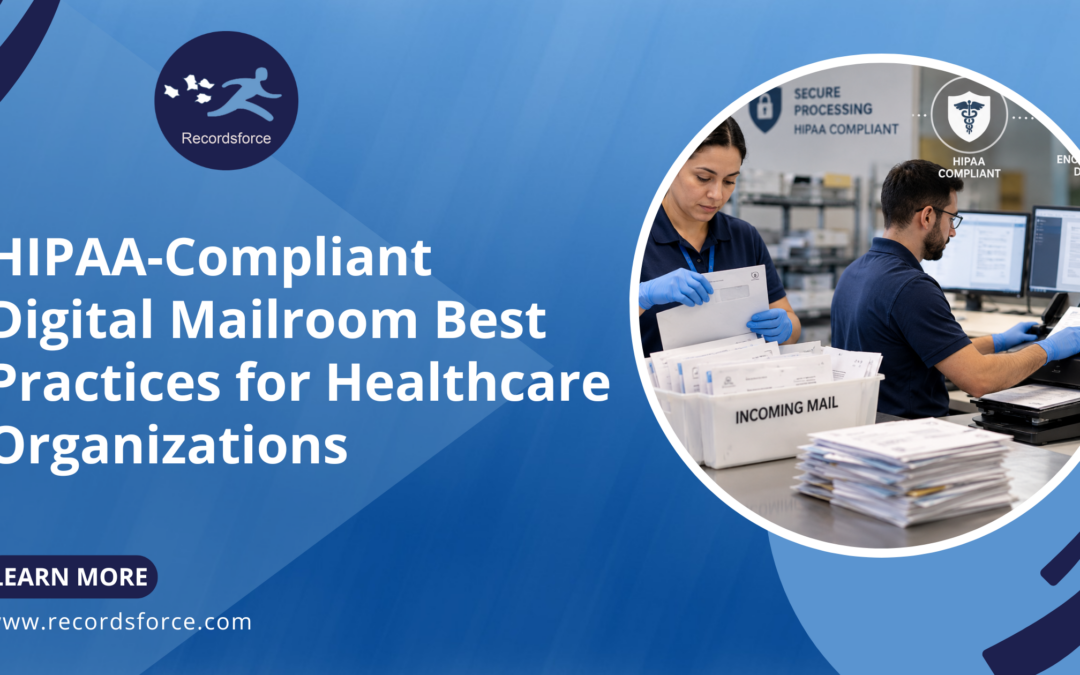
Healthcare organizations receive sensitive information through more channels than ever. Patient correspondence, medical records, claims, referrals, invoices, checks, faxes, emails and attachments can all contain protected health information (PHI) that needs to be handled securely.
A digital mailroom can help healthcare organizations centralize, digitize and route this information while reducing the manual work associated with traditional mail processing. But when PHI is involved, efficiency isn’t the only consideration.
Security, privacy and compliance need to be built into every stage of the process.
Following HIPAA-compliant digital mailroom best practices can help healthcare organizations protect sensitive information while creating faster, more consistent document workflows.
What Is a HIPAA-Compliant Digital Mailroom?
A digital mailroom converts incoming physical and digital correspondence into electronic documents and data that can be classified, processed and routed to the appropriate people or systems.
For healthcare organizations, these workflows may handle documents containing PHI. That means the digital mailroom must operate with appropriate administrative, physical and technical safeguards to protect sensitive healthcare information.
A HIPAA-compliant digital mailroom for healthcare isn’t simply a scanning operation. Security should extend across the entire document lifecycle, from the moment mail is received through scanning, processing, storage and final delivery.
What Are the Best Practices for a HIPAA-Compliant Digital Mailroom?
Healthcare organizations should evaluate the complete mail processing workflow rather than focusing on one individual technology or security feature.
Here are some of the most important practices to consider.
1. Maintain a Secure Chain of Custody
Security begins before a document is scanned.
Organizations should be able to track how physical mail moves from receipt through processing, including who has access to it and where it is stored.
A documented chain of custody can help reduce the risk of documents being lost, misplaced or accessed by unauthorized individuals.
For an outsourced digital mailroom, healthcare organizations should understand how mail is collected, transported, received, stored, processed and ultimately retained or destroyed.
2. Control Access to PHI
Not every employee needs access to every document.
Role-based access controls can help limit sensitive information to authorized users based on their responsibilities. Permissions should be designed around the principle of providing access only when it is necessary to perform a job function.
This applies to both the employees processing documents and the users accessing them after processing.
3. Encrypt Sensitive Information
Encryption is an important component of protecting digital healthcare information.
Sensitive documents and data should be protected when stored and when transmitted between systems. Healthcare organizations should understand how their digital mailroom provider protects information throughout processing and delivery.
Encryption should be part of a broader security strategy rather than treated as the only safeguard protecting PHI.
4. Create Detailed Audit Trails
Healthcare organizations need visibility into how sensitive documents are handled.
Digital mailroom audit trails can provide records of activities such as when documents were received, processed, accessed, modified or delivered.
This visibility helps organizations monitor workflows, investigate potential issues and demonstrate that established document handling procedures are being followed.
5. Secure the Physical Processing Environment
Digital security is only part of the equation when physical mail is involved.
Facilities where healthcare documents are received and scanned should have appropriate physical security measures to prevent unauthorized access.
Depending on the operation, safeguards may include controlled facility access, restricted processing areas, employee access controls, monitoring and secure document storage.
Healthcare organizations outsourcing their mailroom should evaluate both the provider’s technology and its physical processing environment.
6. Standardize Document Processing Workflows
Inconsistent manual processes can create unnecessary risk.
Healthcare organizations should establish clear procedures for receiving, opening, scanning, classifying, validating, routing, retaining and disposing of documents.
Standardized workflows help ensure that sensitive documents aren’t handled differently depending on which employee receives them.
Automation can further support consistency by applying predefined business rules to incoming documents.
7. Use Secure Document Classification and Data Extraction
Healthcare mail often contains information that needs to be identified and entered into another system.
Intelligent Document Processing (IDP) can classify incoming documents and extract required information such as:
- Patient name
- Date of birth
- Patient or account number
- Provider information
- Payer information
- Claim numbers
- Dates of service
- Document type
- Payment information
- Other workflow-specific fields
Automation can reduce repetitive manual handling, but accuracy remains important. Organizations should establish validation processes for information that doesn’t meet required confidence or quality thresholds.
8. Validate Documents and Data When Necessary
AI and automation can significantly reduce manual document processing, but healthcare documents aren’t always predictable.
Poor-quality scans, handwriting, unusual document formats and incomplete information may require additional review.
Combining automation with human validation when necessary can help healthcare organizations maintain accuracy while still benefiting from automated processing.
When human review is involved, access to PHI should remain governed by the same security and privacy requirements as the rest of the workflow.
9. Securely Integrate Documents With Existing Systems
Scanning a document is only one part of digital mail processing.
Once information has been captured, it needs to reach the appropriate destination securely.
Depending on the organization’s technology environment, documents and data may be delivered to an EHR, document management system, claims platform, ERP, secure cloud repository or another business application.
Organizations should evaluate how information is transferred between systems, who can access it and what controls protect it throughout the process.
10. Establish Document Retention and Destruction Procedures
Healthcare organizations should have defined policies for what happens to original documents after digitization.
Some physical originals may need to be retained or returned, while others may be eligible for secure destruction after a specified period.
These policies should reflect applicable legal, regulatory, contractual and organizational requirements.
An outsourced digital mailroom provider should be able to follow the healthcare organization’s established retention and disposition rules.
Don’t Forget About Email and Fax
HIPAA-compliant mail processing shouldn’t focus exclusively on envelopes arriving through the postal system.
Healthcare organizations also receive significant volumes of sensitive information through email, email attachments and fax.
Maintaining completely separate processes for each channel can create fragmented workflows and inconsistent controls.
A centralized digital intake strategy can bring physical mail, faxes, emails and attachments into standardized workflows for classification, extraction, validation and routing.
This creates a more consistent approach to managing incoming healthcare documents regardless of how they arrive.
What Should You Look for in a Healthcare Digital Mailroom Provider?
Choosing a digital mailroom provider means trusting another organization to handle potentially sensitive patient and business information.
Healthcare organizations should evaluate more than scanning speed or price.
Important considerations include:
- Experience processing healthcare documents
- Processes designed to support HIPAA compliance
- Secure chain-of-custody procedures
- Physical facility security
- Encryption
- Access controls
- Audit trails
- Employee security procedures
- Document retention and destruction processes
- Business continuity and disaster recovery
- Secure system integrations
- Quality assurance procedures
- Relevant independent security and compliance audits
What Are the Benefits of a HIPAA-Compliant Digital Mailroom?
When implemented correctly, secure digital mail processing can help healthcare organizations improve both document security and operational efficiency.
Instead of manually moving sensitive paper between departments and locations, documents can be digitized and securely routed to authorized users.
This can help organizations reduce physical document handling, improve visibility, accelerate access to information, standardize processes and better support employees working across multiple locations.
Automation can also reduce the amount of time healthcare employees spend opening mail, scanning documents, entering data and manually determining where information needs to go.
Can a Digital Mailroom Be HIPAA Compliant?
Yes. A digital mailroom can be designed and operated in a manner that supports HIPAA compliance when appropriate safeguards, policies, procedures and agreements are in place.
However, using a digital mailroom platform or outsourcing mail processing does not automatically make an organization HIPAA compliant.
Healthcare organizations remain responsible for evaluating their own obligations and ensuring vendors handling PHI meet applicable requirements.
Is Outsourcing a Healthcare Digital Mailroom Secure?
Outsourcing can provide a secure approach to healthcare mail processing when the provider maintains appropriate safeguards for physical and digital information.
Healthcare organizations should perform appropriate vendor due diligence and evaluate how documents are transported, processed, stored, accessed and delivered.
Security should be considered across the entire workflow rather than only after documents have been scanned.
How Recordsforce Supports Secure Healthcare Mail Processing
Recordsforce provides fully outsourced digital mailroom and Intelligent Document Processing solutions for organizations that need to securely process sensitive documents.
Incoming physical mail can be securely received, prepared and scanned, while emails, attachments and faxes can also be incorporated into digital document workflows.
Recordsforce uses AI, automation and human validation to classify documents, extract required information and verify results before documents and data are securely delivered through a document management system, like Recordsforce Cloud or integrated with existing business systems.
With secure chain-of-custody procedures, controlled access, auditability and processes designed to protect sensitive information, Recordsforce helps healthcare organizations modernize incoming document processing while maintaining security throughout the workflow.
Frequently Asked Questions About HIPAA-Compliant Digital Mailrooms
Does a digital mailroom need to be HIPAA compliant?
If a digital mailroom creates, receives, maintains or transmits PHI on behalf of a covered entity or another business associate, applicable HIPAA requirements need to be addressed. The specific obligations depend on the organization’s role and how PHI is handled.
What healthcare documents can a digital mailroom process?
A healthcare digital mailroom can process patient correspondence, medical records, insurance documents, referrals, claims-related documents, billing correspondence, invoices, checks and many other document types. Digital sources such as emails, attachments and faxes can also be incorporated.
How should physical patient mail be protected?
Physical patient mail should be protected throughout receipt, transportation, storage, scanning and disposition. Appropriate safeguards may include documented chain-of-custody procedures, controlled facility access, restricted processing areas and secure storage.
How can hospitals securely digitize patient mail?
Hospitals can securely digitize patient mail by establishing controlled intake procedures, scanning documents in a secure environment, restricting access, protecting electronic files and data, maintaining audit trails and securely routing information to authorized systems and users.
Build Security Into the Entire Mail Workflow
HIPAA-compliant digital mail processing isn’t achieved with a single security feature.
It requires healthcare organizations to consider how sensitive information is protected at every point in its journey, from the envelope arriving at the mailroom to the digital document reaching its final destination.
By combining secure chain of custody, controlled access, encryption, audit trails, standardized workflows, intelligent document processing and secure delivery, healthcare organizations can modernize mail processing without treating security as an afterthought.
The result is a digital mailroom designed not only to process healthcare documents faster, but to protect sensitive information throughout the entire process.